IRS Survival Guide White Paper for Lead Generation
👉 Open the IRS Survival Guide White Paper Template in Canva (need a Canva account, free version works). Need help with the edits? As a TaxCure Pro member we would be more than happy to assist you. Just email us at taxpros@taxcure.com
👉 Download the 12-Month Email Nurture Sequence (Word/Google Doc)
👉 Video Walkthrough – How to Edit and Brand the White Paper in Canva
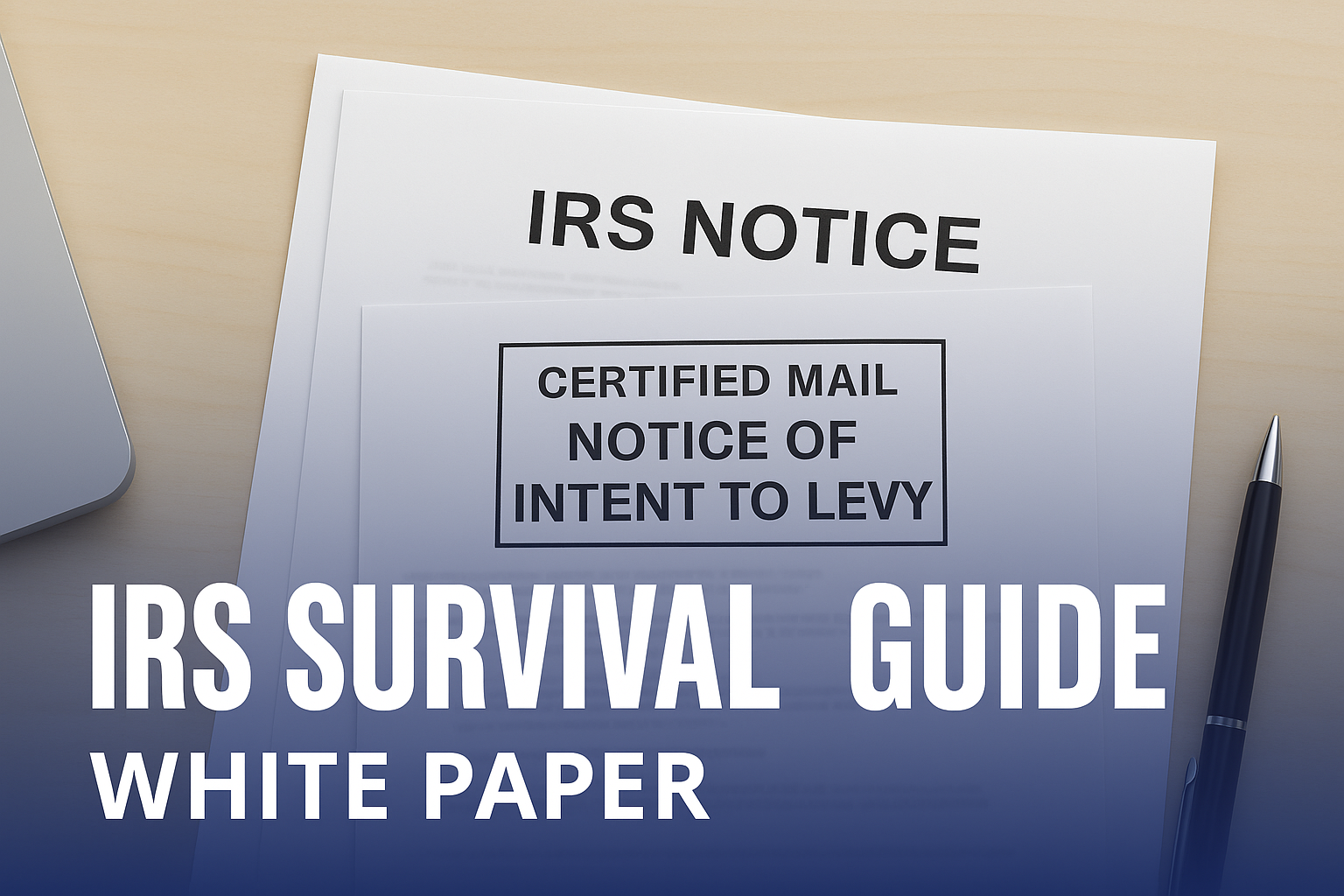
Why the IRS Survival Guide Works
Not every website visitor is ready to request a consultation. Many are still researching, feeling anxious, or wanting to better understand their options before taking action.
That’s where this white paper comes in.
| Feature | Benefit |
|---|---|
| Lead Capture | Turns casual visitors into subscribers by exchanging the guide for an email address. |
| Trust Building | Positions your firm as an expert in IRS and state tax resolution. |
| Brand Visibility | Branded PDF increases name recognition and recall. |
| Long-Term Nurturing | 12-month email sequence keeps you top-of-mind with prospects. |
💡 Note on Value: A resource like this — a 30+ page white paper with professional design and a year-long email sequence — would typically cost $3,000–$5,000 to produce if you hired it out. We’ve made it available here as part of your Pro membership so you can start using it immediately without the upfront cost.
The guide is intentionally broad, covering IRS collections, payment plans, settlements, audits, state tax issues, business payroll tax problems, taxpayer rights, and more. This makes it relevant to nearly anyone struggling with tax problems.
Step 1: Open and Copy the Canva Template
- Click the Canva link above.
- Canva will prompt you to “Make a copy” into your free (or Pro) Canva account.
- Once copied, you’ll have full editing access to customize the guide for your firm.
Step 2: Prepare Your Logos
For best results, you’ll need two versions of your logo:
- Full-color version (PNG with transparent background).
- White version (PNG with transparent background).
⚡ Tip: If you don’t already have these, you can create them using ChatGPT’s image tools. Upload your logo and ask:
- “Take this logo and make it a PNG file with a transparent background.”
- “Now make another version of the logo in solid white with a transparent background.”
Step 3: Update Your Branding in the White Paper
Here’s where to update your firm’s branding inside the Canva template:
- Front Cover (Page 1):
- Replace the placeholder with your white transparent logo.
- Update the URL to your firm’s website.
- Footer (All Pages):
- Delete the placeholder logo in the bottom left.
- Upload your colored transparent logo.
- Resize it so it looks balanced.
- Copy (CTRL + C) and paste (CTRL + V) onto each page after removing the placeholder.
- Page 25:
- The last paragraph may be updated with your company name if you’d like. We left it generic so updating is optional.
- Final Page:
- Replace the placeholder with your large white logo.
- Add your website URL again for emphasis.
- Other Changes:
⚠️ Be careful when updating logos. In Canva, if you click on the page background instead of the logo, you may accidentally delete the entire page. Always select only the logo before deleting and replacing it.
Step 4: Create a Landing Page
Every lead magnet needs a simple landing page to capture leads. Include:
- Headline: Clear value statement (e.g., “Free Guide: Survive the IRS Without Costly Mistakes”).
- Short description: 2–3 sentences about what the reader will learn.
- Bullets: 3–5 highlights (penalties, payment options, IRS notices, audits).
- Form: Ask only for first name and email (last name optional).
- CTA button: “Download My Free Guide.”
Step 5: Connect to Email Delivery
As soon as someone fills out the form, automatically send them the guide by email.
Example delivery email (from the provided nurture sequence):
Step 6: Load the Email Nurture Sequence
We’ve included a 12-month nurture campaign to pair with the white paper:
| Timeframe | Email Focus |
|---|---|
| Day 0 | Immediate delivery with warm welcome and guide link. |
| Days 2–60 | Frequent follow-ups emphasizing urgency, education, and trust. |
| Days 60–365 | Monthly educational emails keeping your firm top-of-mind. |
This sequence is structured to keep your firm top-of-mind for a full year, gradually nurturing prospects until they’re ready to reach out — without overwhelming them.
Step 7: Promote Your Guide
Don’t just leave the guide buried on your site. Promote it actively:
- Homepage feature: “Download Our Free IRS Survival Guide.”
- Exit-intent popup: Catch visitors about to leave without taking action.
- Sidebar banners: Add to blog posts and FAQ pages.
- Social media posts: Share graphics and link back to your landing page.
- Email signature CTA: Add “Download our Free IRS Survival Guide” with a link.
Tips for Success
- Keep forms short: Only request the essentials — name and email.
- Follow up instantly: Send the guide immediately after signup.
- Always include your contact info: In the PDF, emails, and landing page.
- Track performance: Monitor downloads, open rates, and consultation requests.
- Consistency wins: Even if prospects don’t open every email, your name becomes familiar and trusted over time.
- Invest in a good system: Managing lead magnets, automated email sequences, and tracking engagements is much easier with the right tools. Systems like Go High Level, ActiveCampaign, HubSpot, or Mailchimp can all work well depending on your needs and budget.
*Pro Member Perk: If you don't currently have a system, reach out to TaxCure, We are launching our own marketing and CRM platform built specifically for tax resolution pros. As a Pro member, you'll have the chance to get in early and be among the first to use it, and this whole lead magnet will be built in (landing page, email delivery of white paper, follow-up sequence, and more!)
Final Thoughts
This isn’t just a PDF — it’s a complete lead generation system. The Survival Guide captures taxpayer interest, the nurture sequence keeps your brand in front of them, and the customization ensures they remember your firm when it’s time to act.
Set it up once, and you’ll have a professional, branded funnel working in the background — converting casual visitors into clients all year long.
👉 Open the IRS Survival Guide White Paper Template in Canva (need a Canva account, free version works). Need help with the edits? As a TaxCure Pro member we would be more than happy to assist you. Just email us at taxpros@taxcure.com
👉 Download the 12-Month Email Nurture Sequence (Word/Google Doc)
👉 Video Walkthrough – How to Edit and Brand the White Paper in Canva